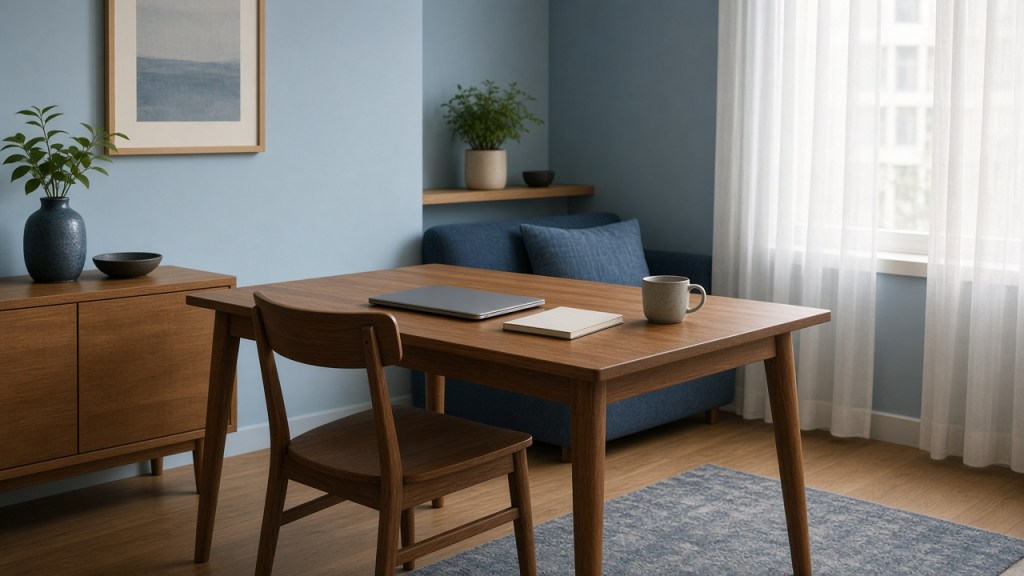
A complete guide for hybrid work and study at a Singapore dining table. After reading, you should be able to set up the chair you already have so a long desk day feels more comfortable.
In this guide
- Why dining chairs feel hard after a long sit
- Start with how you sit, not a new chair
- A simple setup for an HDB dining table
- Movement still matters more than any accessory
- If you only change one thing
- When a seat cushion is a good fit
- FAQ
- Sources
In many Singapore flats, the dining table does two jobs. Breakfast is cleared, a laptop comes out, and a chair built for dinner is asked to carry a work day or a long stretch of revision. The room is compact. Meals still have to happen around the same table. This is ordinary life in an HDB or condo, not a failure of taste.
You do not need a new study to sit more comfortably here. You need a setup that respects the chair in front of you, a habit of changing position, and, if you want one, a small comfort upgrade you can lift away when dinner starts.
This is general information, not medical advice. Comfort is personal. What feels supportive for one person may not suit another.
Why dining chairs feel hard after a long sit
A dining chair is usually built for an hour at a meal, not for four or five hours of typing. The seat is often firm and relatively thin. The backrest may be straight, short, or set so the small of your back does not quite meet it. If the table is a little high, you may perch forward to reach the keyboard and lose the backrest altogether.
Laptops add another wrinkle. When the screen sits on the tabletop, you look down, and shoulders often creep up in a cold, air-conditioned room. By late afternoon the seat can feel thinner than it did at nine in the morning. None of this means the chair is “wrong”. It means the chair is being asked to do a job it was not designed for.
The kindest response is to improve the sit you already have, rather than waiting for a perfect home office that a typical flat may not have space for.
Start with how you sit, not a new chair
Before buying anything, take a minute to notice the shape you are in. Slide your hips all the way back so the backrest can actually share some of the load. Let your feet rest flat on the floor. If they dangle, a firm box, a low stool or a stack of books under them is better than sitting on the edge of the seat.
Mayo Clinic’s sitting advice is practical here: give the lower back as much support as you can, keep the knees and hips at a comfortable level, and change position at least every half hour. The US Occupational Safety and Health Administration similarly notes that a rolled towel or a removable lumbar support can fill the gap when a chair has no built-in curve.
If there is a hollow between your lower back and the chair, try a small rolled towel first. It costs nothing, can be adjusted in seconds, and tells you whether more support in that spot actually feels better. If the seat itself is the hard part, that is a different gap, and a removable seat cushion may be the more useful option later.
HealthHub Singapore is clear that there is no single best posture to hold all day. A sit you can leave, and return to in a slightly different shape, will usually serve you better than a rigid “correct” pose.
A simple setup for an HDB dining table
A dining table will not become a sit-stand desk. It can still be a decent place to work if the screen, the keyboard and the chair are on speaking terms.
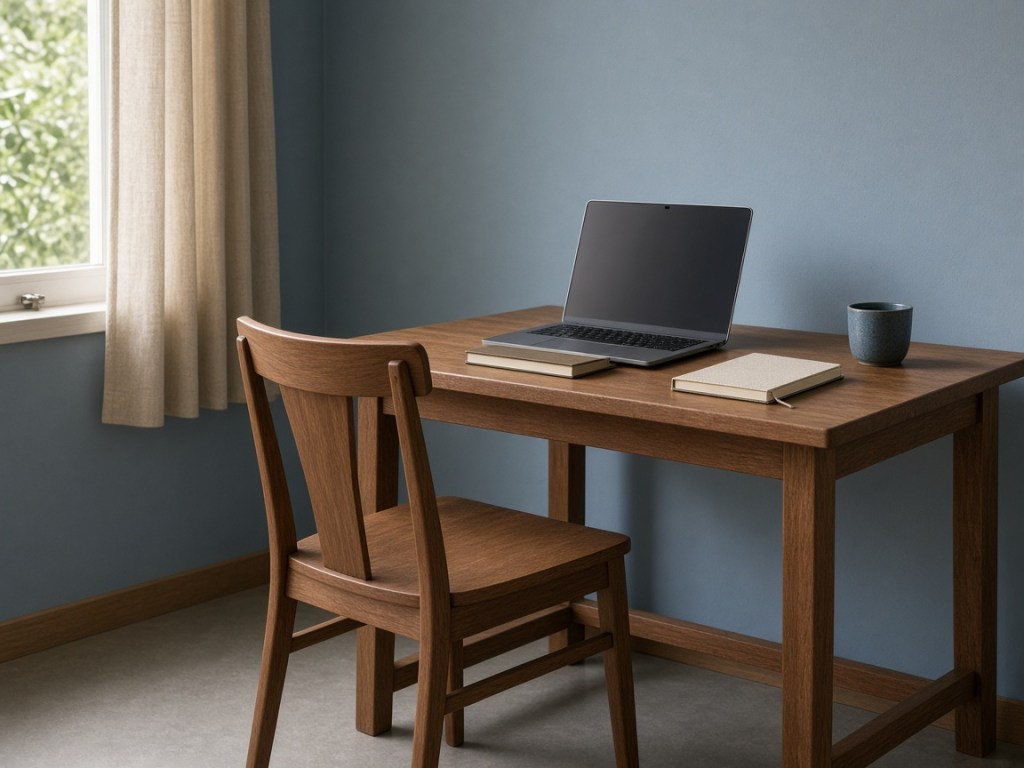
- Raise the laptop so you are not looking down for hours. A stand is ideal; a firm box or a short stack of books can do the job in a small flat.
- If you raise the screen, use a separate keyboard and mouse when you can, so your arms stay close and relaxed.
- Keep the things you use often within easy reach, so you are not twisting to one side for a notebook or a charger.
- Use the light you have. A window with sheers is kinder than a bare overhead lamp bouncing off a dark screen. HealthHub’s guidance for people who work at a screen covers screen height, lighting and the effects of air-conditioning at home.
Students using the same table for revision can follow the same geometry. A reading week often means even longer sits, later at night, on the same hard seat. A timer and a cleared space help as much as any accessory. When dinner starts, the setup should be easy to put away.
Movement still matters more than any accessory
A more comfortable chair setup only helps for the hours you remain seated. HealthHub recommends changing position about every thirty minutes. That advice sits well with ordinary home life, if you use it.
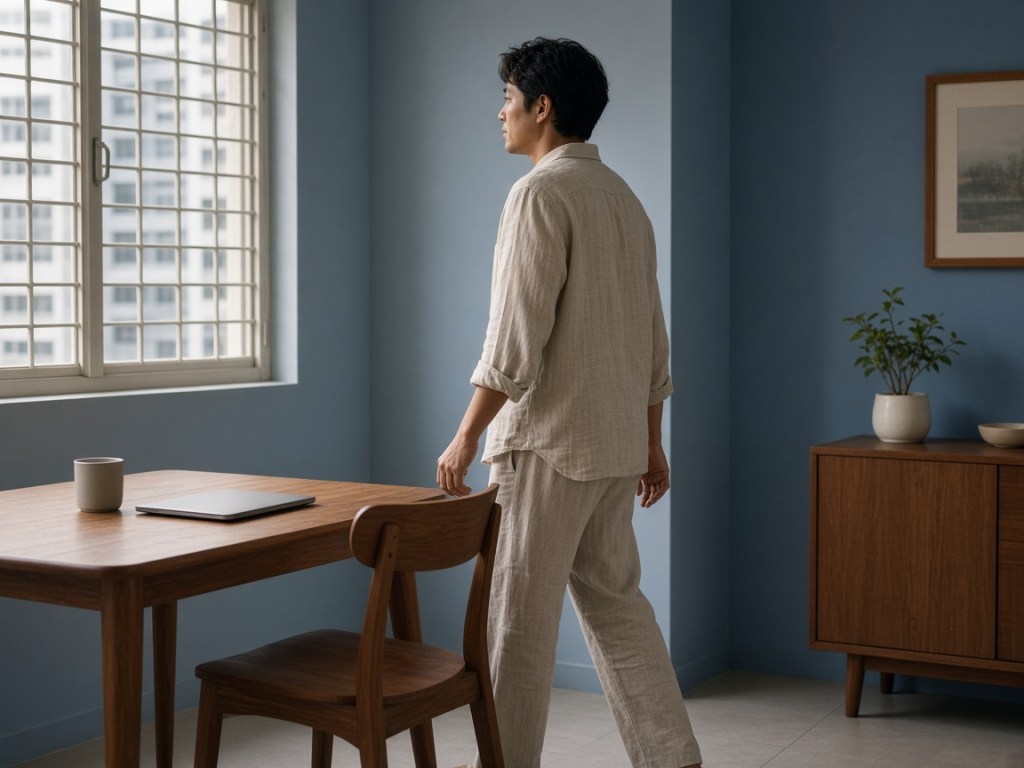
HealthHub also notes that there is no single “best” posture to hold all day. A dining chair that lets you sit back, then stand, then sit a little differently is already doing useful work.
In a 2023 commentary later updated in The Straits Times, researchers writing about desk work made a related point: interrupting long periods of sitting by standing or walking is more useful than simply swapping one static position for another. Prolonged standing has its own drawbacks. The useful habit is to move, not to choose a single “better” pose and stay there.
Use the shape of a home day. Stand when a file downloads. Walk to the kitchen to refill water. Take a short loop along the corridor between study blocks. On a long call, even a small shift — sitting back, uncrossing your legs, or standing for a minute if the setting allows — is better than locking into one shape until the meeting ends.
If you only change one thing
Stand up every half hour. If you change nothing else about the chair, that single habit will usually do more for a long dining-table day than a new accessory bought in a hurry.
The second change, if you want one, is to sit all the way back and give your feet a firm place to rest. Only then does it make sense to decide whether the remaining gap is the seat, the backrest, or both.
When a seat cushion is a good fit
A seat cushion is a comfort tool for a hard or thin seat, not a treatment and not a requirement. It is worth considering when you have already sat back, raised the screen and built in breaks, and the seat is still an unforgiving place to land.
Choose something you can lift off the chair at dinner. A cushion that has to stay on the dining chair all evening is not a good fit for a table that still has to host meals. If the gap you feel is behind you rather than under you, start with a rolled towel or a small lumbar cushion against the backrest, not a thicker seat.
We will not invent measurements, materials or warranties here. Product pages should carry those facts. Use any cushion for the hours you have to sit, and still get up and move.
FAQ
Is a dining chair all right for full days of work or study?
It can be made more comfortable, especially if you improve the setup and change position often. It is not the same as a well-adjusted office chair, and it does not need to be. The aim is a decent sit in the room you have.
Do I need to buy a new chair?
Not as a first step. Many of the gains come from how you sit, the height of the screen, support for your feet, and regular breaks. A new chair is a larger decision, and in a compact flat it may not have a permanent place to live.
Where should a seat cushion sit?
On the seat, under you, and only for the hours you are at the desk. It should not replace sitting back in the chair. If you find yourself perching on the front edge, start again with your hips against the backrest.
What about a lumbar cushion on a dining chair?
It can help when there is a clear gap between your lower back and the backrest. A rolled towel is a fair first test. If the towel feels useful, a small lumbar cushion is a reasonable next step. If the discomfort is in the seat, lumbar support will not solve it.
Can I leave a cushion on the chair at dinner?
It is usually better to take it off. The dining chair has to go back to being a dining chair. A removable piece is easier to live with in a shared room.
When should I get advice from a professional?
If sitting is very uncomfortable, is getting worse, or comes with symptoms that worry you — such as weakness, numbness, or a change in bladder or bowel control — see a healthcare professional. A dining-chair setup is not a substitute for care.
Sources
- Mayo Clinic. Back pain — symptoms and causes (sitting advice: support, knee and hip level, change position at least every half hour).
- US Occupational Safety and Health Administration. Computer workstations eTool: chairs (removable lumbar support or rolled towel when a chair has no built-in support).
- HealthHub Singapore. Nine ways to be a healthy, happy telecommuter (screen height, lighting, air-conditioning, and movement breaks).
- HealthHub Singapore. Self-help tips to manage pain (change position about every thirty minutes).
- HealthHub Singapore. Low back pain (no single best posture to hold all day).
- The Straits Times. There is more to just sitting or standing at your desk (Sep 2023, updated 2024): interrupting long sitting is more useful than swapping one static position for another.
A soft next step. If you have already raised the screen, sat back and built in breaks, and the seat is still a hard place to land, a removable seat cushion is a reasonable option. If the gap is behind you, try a rolled towel first. Use either for the hours you have to sit — and still get up and move.

